Meet Uplock’s New Siri Integration
Uplock’s upcoming Siri integration on OS 27 will make it easier to save information, find what you need, and use details stored in Uplock without switching apps.
Uplock’s upcoming Siri integration on OS 27 will make it easier to save information, find what you need, and use details stored in Uplock without switching apps.
We’ve been using Uplock with Siri throughout the summer, and we’re still discovering new ways it helps with everyday tasks. Here’s a look at what’s coming.
Save Information from What’s on Screen
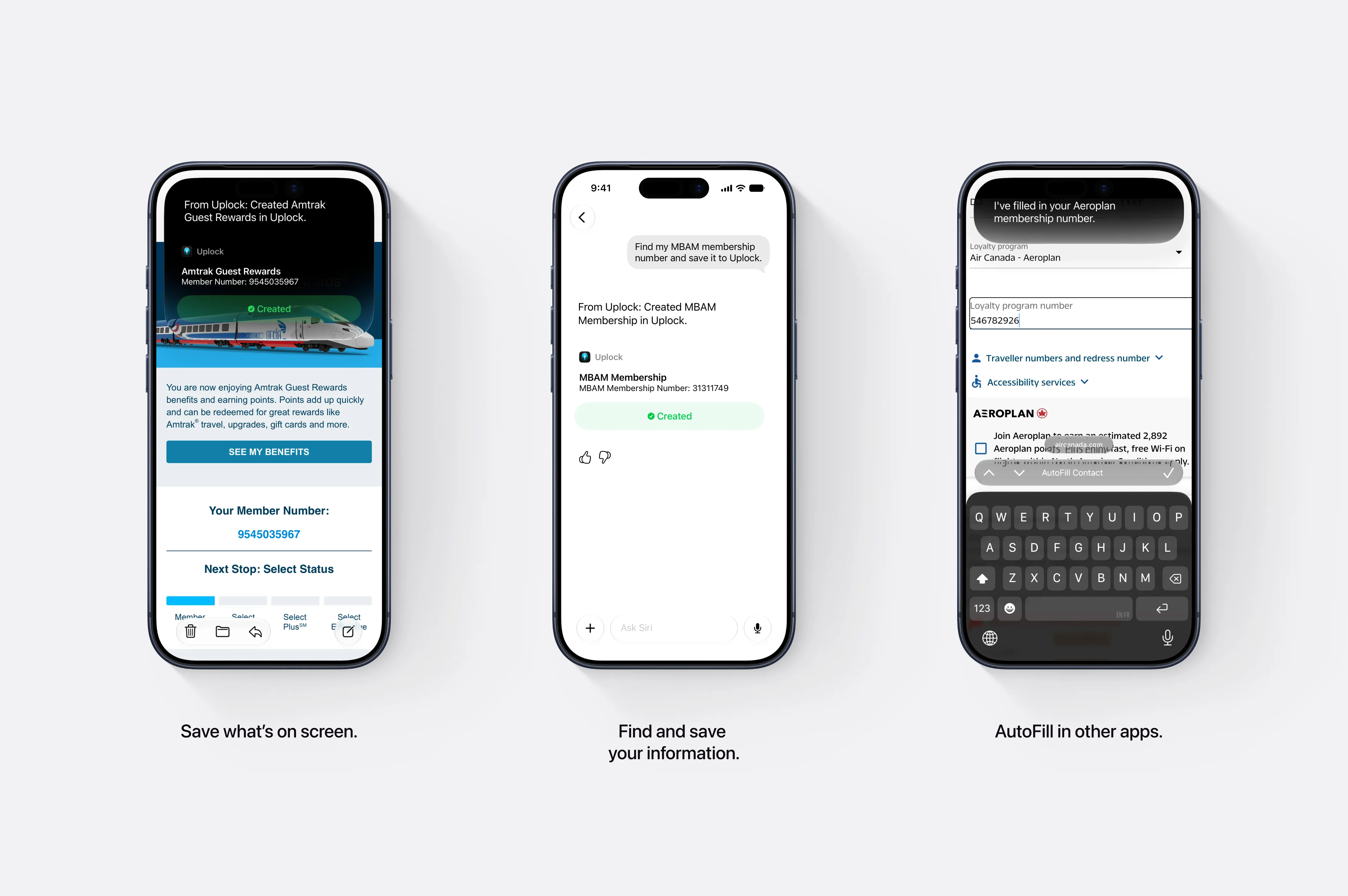
When you’re viewing information you want to keep, you’ll be able to ask Siri to save it to Uplock. For example, if an email contains your membership details, Siri can create an entry for you, with Smart Fill taking care of categorization behind the scenes.
Siri will also be able to find information in your personal context and save it to Uplock. You could ask, “Find my MBAM membership number and save it to Uplock,” without opening the app yourself.
Item snippets will let you review what’s been created directly in Siri and open the entry in Uplock.
Act on What You’re Viewing
While you’re in Uplock, Siri’s onscreen awareness will let you refer to the items you’re looking at.
You could say, “Siri, open the third item,” then follow up with “Place a call” or “Open the address in Maps.” This makes it easier to use the information in an entry without manually navigating through each step.
Get Answers from Your Saved Information
You’ll be able to ask Siri questions about information stored in Uplock using everyday language:
- “Is my passport still valid? What about Noah’s?”
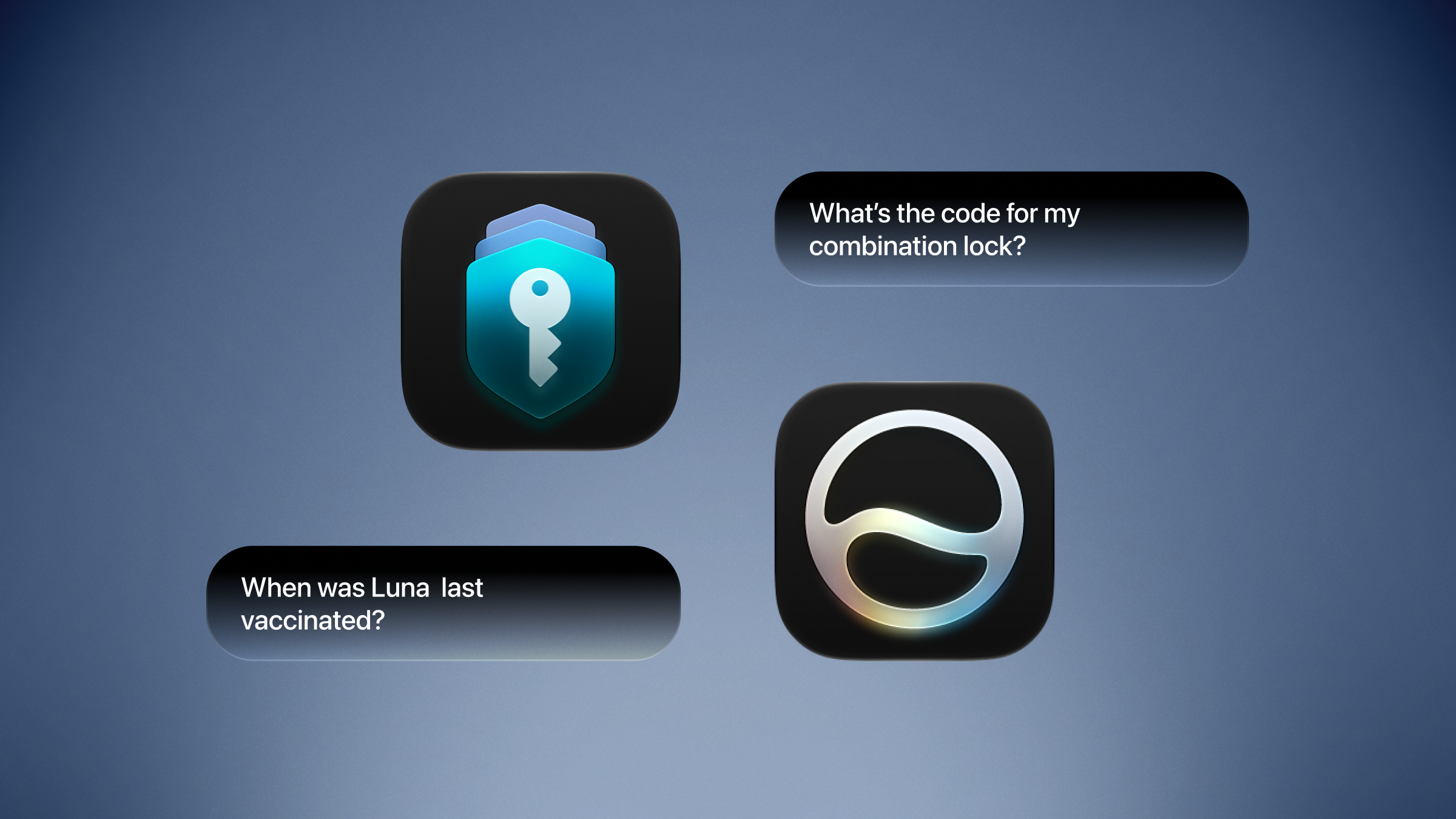
- “What’s the code for my combination lock?”
- “When was Luna last vaccinated?”
- “What’s my bank’s routing number?”
These are the kinds of details you may only need occasionally but want to find quickly when you do.
Fill In Details Without Switching Apps
One of our favorite uses is asking Siri to AutoFill information in Safari.
When booking tickets, for example, you’ll be able to ask Siri to fill in your passport number or airline membership number using details saved in Uplock. You won’t need to leave the page, look up the entry, and copy the number yourself.
The same idea applies to other saved information, such as a health insurance number: ask Siri to fill it in where you need it.
Continue Across Devices
You’ll also be able to switch devices mid-conversation with Siri and pick up where you left off.
Control Access to Sensitive Information
You control whether Siri can access sensitive information in Uplock. You can allow or disable that access in Preferences › Privacy.
Coming Soon
These capabilities are coming to Uplock on OS 27. We’re looking forward to sharing them and hearing how they fit into your day.