Press Kit
 Press Release Uplock: Ready for OS 27 Explore Uplock 3.4 with Smart Fill 2, new Siri capabilities, improved Spotlight search, customizable Shortcuts, and day-one support across five Apple platforms. Read the full release
 About Uplock
Uplock keeps your important information safe, organized, and always within reach across your Apple devices. Your data syncs through iCloud and never goes anywhere else. With Advanced Data Protection for iCloud enabled, everything you save in Uplock is end-to-end encrypted. Uplock is built 100% with Swift and is designed to feel right at home on iPhone, iPad, Mac, Apple Watch, and Apple Vision Pro.
Factsheet
- Developer: Foyer Objet Inc., an independent two-person team based in Montreal, Quebec, Canada.
- Supported Platforms: iOS, iPadOS, macOS, watchOS, visionOS
- Website: https://uplock.app
- Availability: Worldwide
- Pricing: Users can save their first items to Uplock for free before upgrading.
Afterwards, Uplock+ Individual is $2.99/month, $14.99/year, or $49.99 for lifetime.
Uplock+ Family is $3.99/month, $24.99/year, or $89.99 for lifetime.
Prices are shown in USD and may vary by region. - App Store link: https://apps.apple.com/us/app/uplock/id6469049274
Key Features
- Smart Fill: turn photos, screenshots, PDFs, or snippets of text into Uplock items — powered by Apple Intelligence, with your choice of on-device processing or Apple’s Private Cloud Compute.
- Shared Groups: Securely share your Uplock items with friends or family members.
- AutoFill: AutoFill from anywhere on iOS and iPadOS. On macOS, use the Safari extension to fill in your saved data with a single click.
- Reminders: Whether it’s your ID or a credit card expiration date, Uplock can remind you when it’s time to take action.
- Attachments: Add photos, PDFs, or any file to any item in Uplock for easy and convenient reference.
- Import and Export: Uplock makes it easy to export or import your information whenever you want.
- Built for All: Uplock supports Voice Over, Voice Control, and Larger Text.
Built for Privacy and Security
Uplock is designed to make zero compromises on privacy or security. We use the latest Apple technologies to protect your data, with secure on-device storage and end-to-end encryption available with Advanced Data Protection for iCloud.
- iCloud encryption. All data saved in Uplock is encrypted in iCloud, using the same encryption as Photos, Notes, iCloud Drive, and Wallet apps.
- No external connections. Uplock connects only to trusted Apple services. Nothing is ever sent elsewhere. We have no servers of our own.
- No third party code. Uplock is built entirely in Swift, with zero third-party libraries or SDKs. No trackers. No analytics. No advertising frameworks—ever.
- Supports Face ID, Touch ID and Optic ID. For added protection, authenticate Uplock with Face ID, Touch ID, Optic ID, or your device passcode.
- Layers of data protection. Uplock uses multiple layers of data protection, including Apple platforms’ built-in security features and data protection APIs.
Media Assets
App Previews
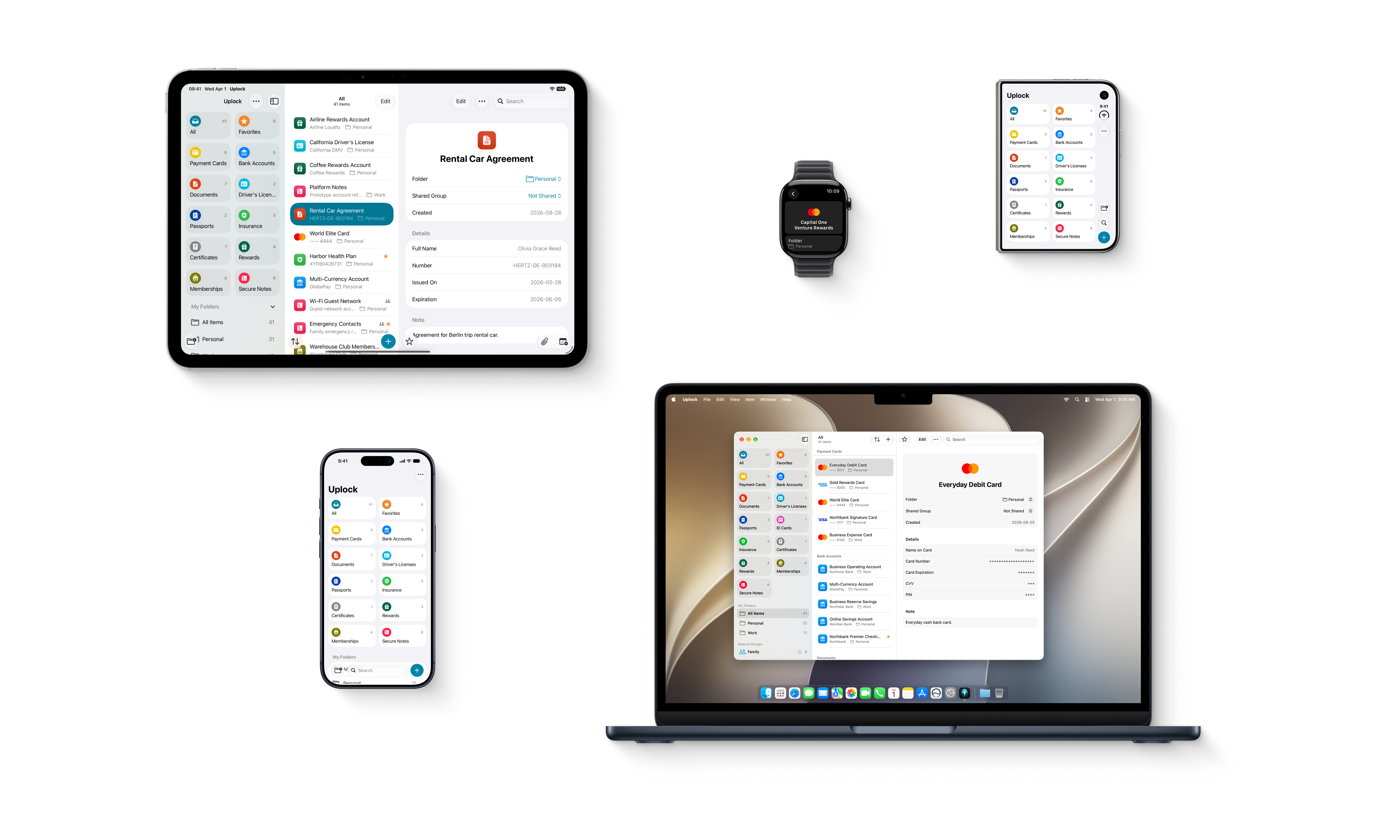
Uplock Across Apple Platforms
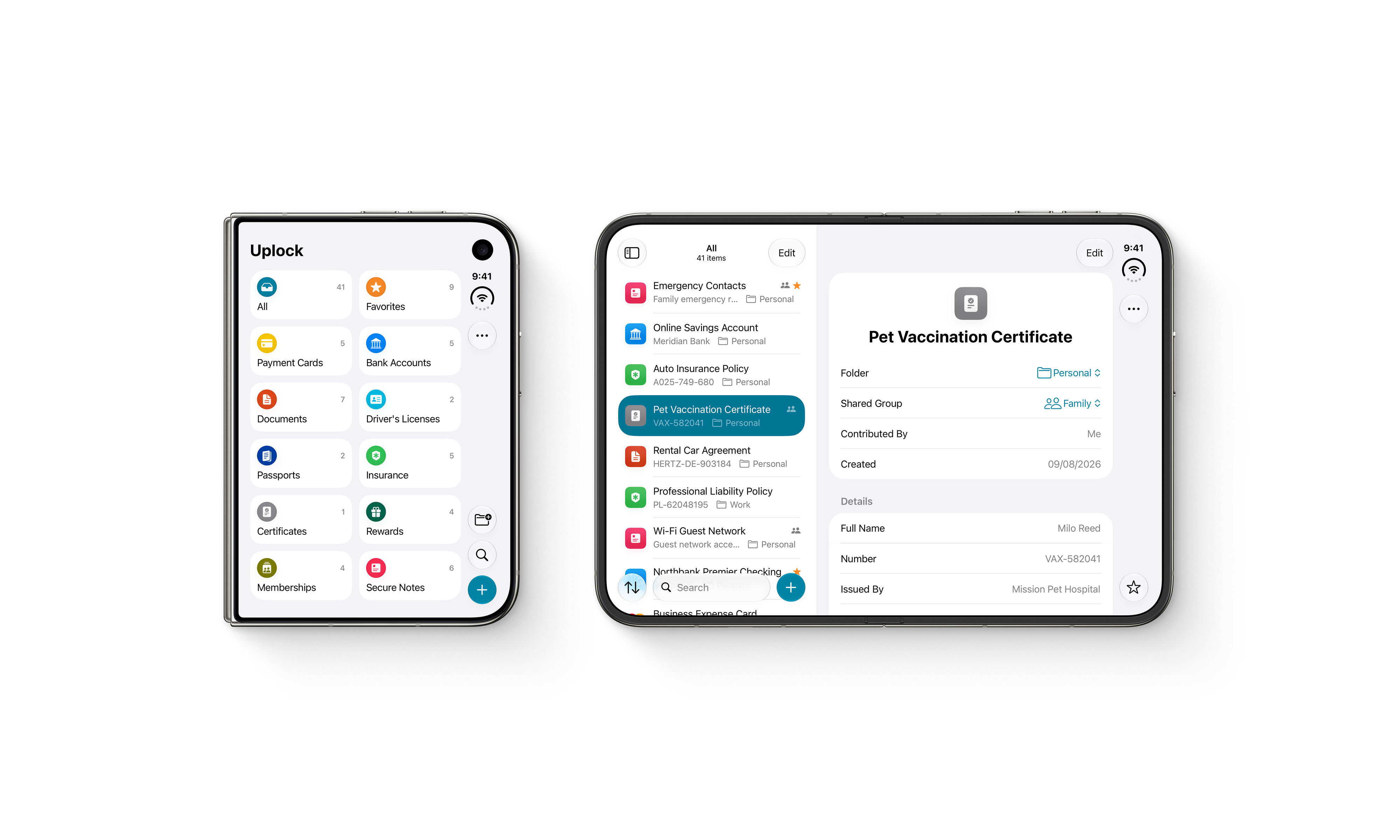
Uplock on iPhone Duo
App Icons
About the Developers
Uplock is developed by Foyer Objet Inc., an independent software studio founded by Andre Baev and Simon Gardinier in Montreal, Quebec. Andre and Simon are Apple-platform developers with more than a decade of experience creating native apps. Their backgrounds in design inform the studio’s focus on thoughtful interfaces, privacy, accessibility, and attention to detail.
Contact
For press inquiries, or additional assets:
📧 press@uplock.app